Some course tiles may appear as “Restricted” because certain lessons, mini exams, or learning activities must be completed before access to the next section is granted.
This course follows a progressive learning structure, meaning students are required to complete previous lectures, quizzes, mini exams, or mandatory activities in order to unlock the following content.
For example, if a lecture tile is restricted, this usually means:
- A previous lecture has not yet been completed
- A mini exam or quiz is still pending
- Required activities or learning tasks have not been finished

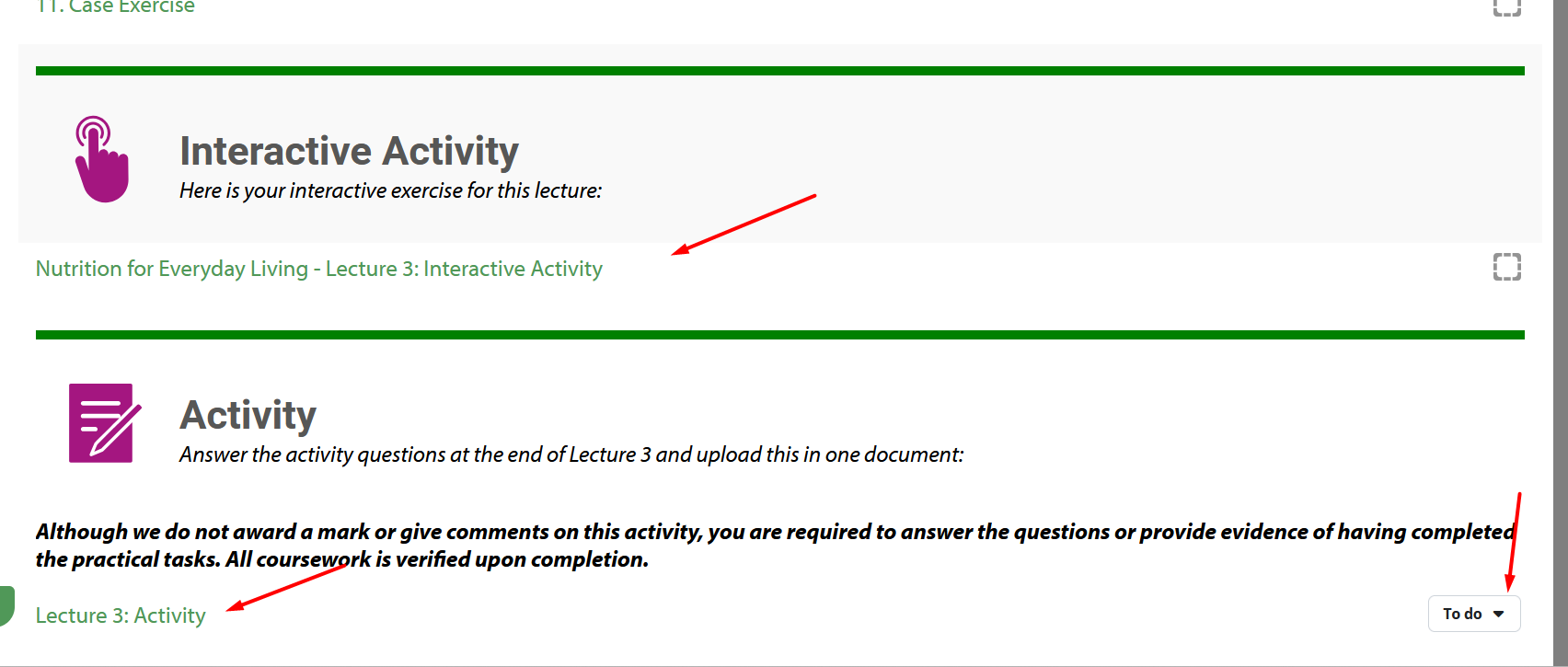
Once the required previous content has been completed, the next lecture or tile will automatically become available.
If you believe you have completed all required activities and the content is still restricted, please contact the support team with a screenshot of your course progress so we can investigate further.
Was this article helpful?
That’s Great!
Thank you for your feedback
Sorry! We couldn't be helpful
Thank you for your feedback
Feedback sent
We appreciate your effort and will try to fix the article