I finished my lecture, and the next tile is still restricted. What should I do?
Please make sure to review and confirm that you have completed all the necessary mini exams, interactive activities, and assignments from previous lectures in the course. In many cases, incomplete tasks from earlier sections can prevent you from progressing or accessing new content. It’s important to thoroughly check each requirement to ensure that nothing has been missed, as this is often the reason for any issues you may be encountering.
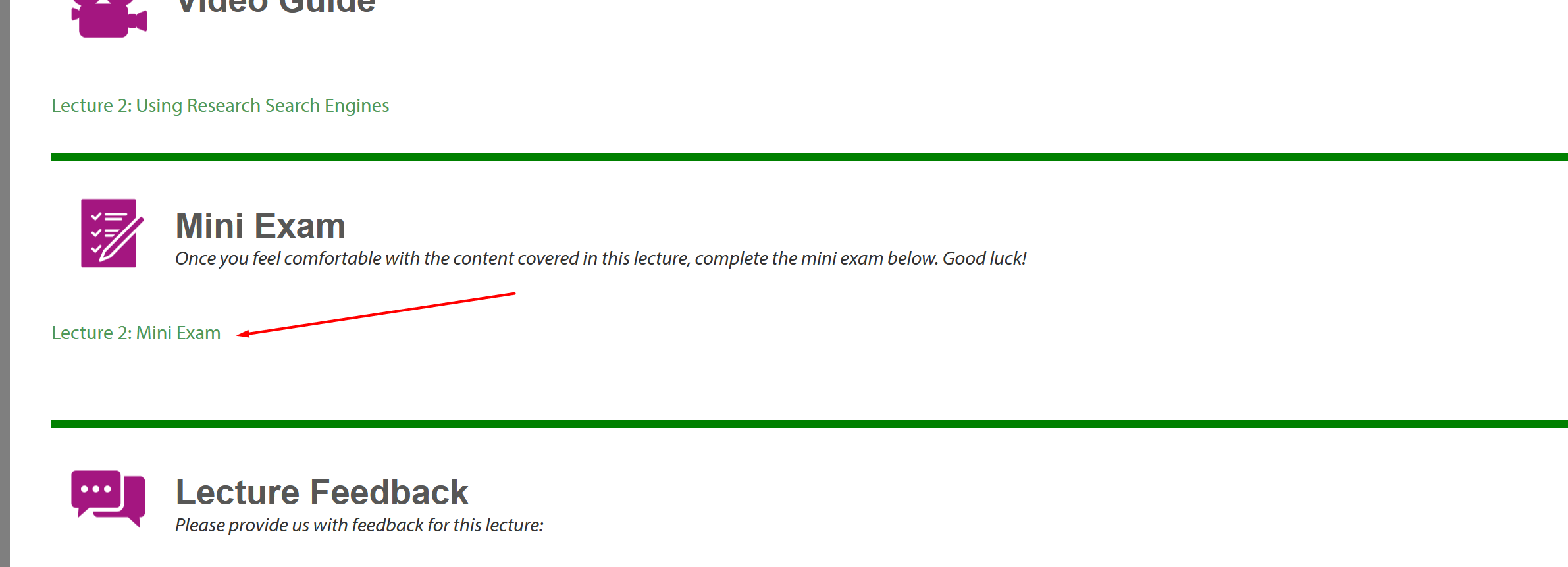
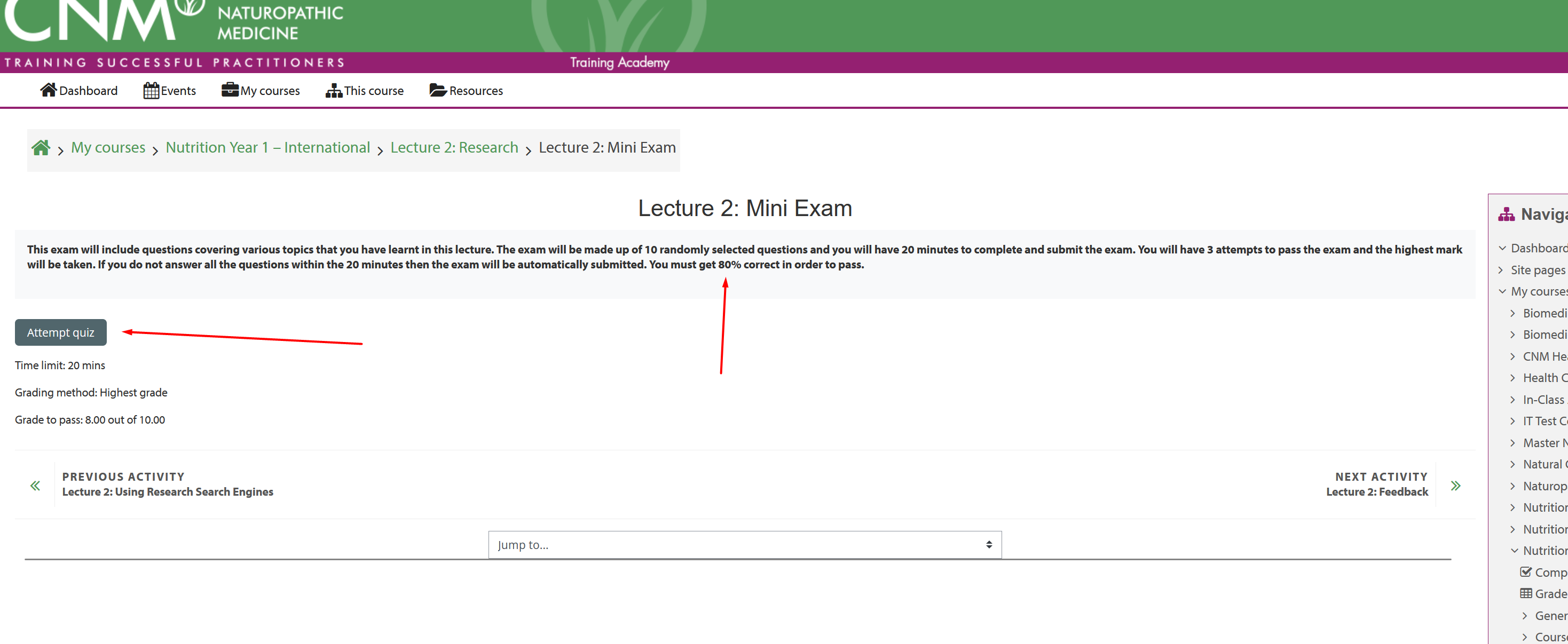
Additionally, to understand why a specific tile is restricted, move your mouse (cursor) over the restricted tile. A pop-up will appear, explaining what you need to do in order to unrestrict the current tile. Please refer to the screenshots below for your reference.g.

Was this article helpful?
That’s Great!
Thank you for your feedback
Sorry! We couldn't be helpful
Thank you for your feedback
Feedback sent
We appreciate your effort and will try to fix the article