Q: I am due to upload my portfolio, but I have 10+ pages that I need to upload. Is there an easy way to do this?
A: Yes! The best way to upload your portfolio is to convert your documents into PDFs and then to "merge" them into one PDF document.
You can do this through https://www.ilovepdf.com/ or Adobe Acrobat. Both have the functionality to covert and merge your documents (and they're FREE to use)!
Instructions:
1. Have your documents in a place where they are easily accessible, like your desktop.
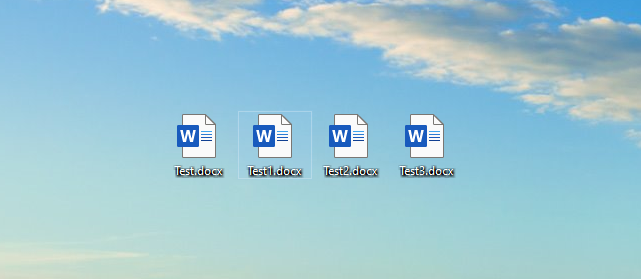
2. Go to either https://www.ilovepdf.com/ or https://www.adobe.com/uk/acrobat/online/word-to-pdf.html to start converting your documents into PDFs.
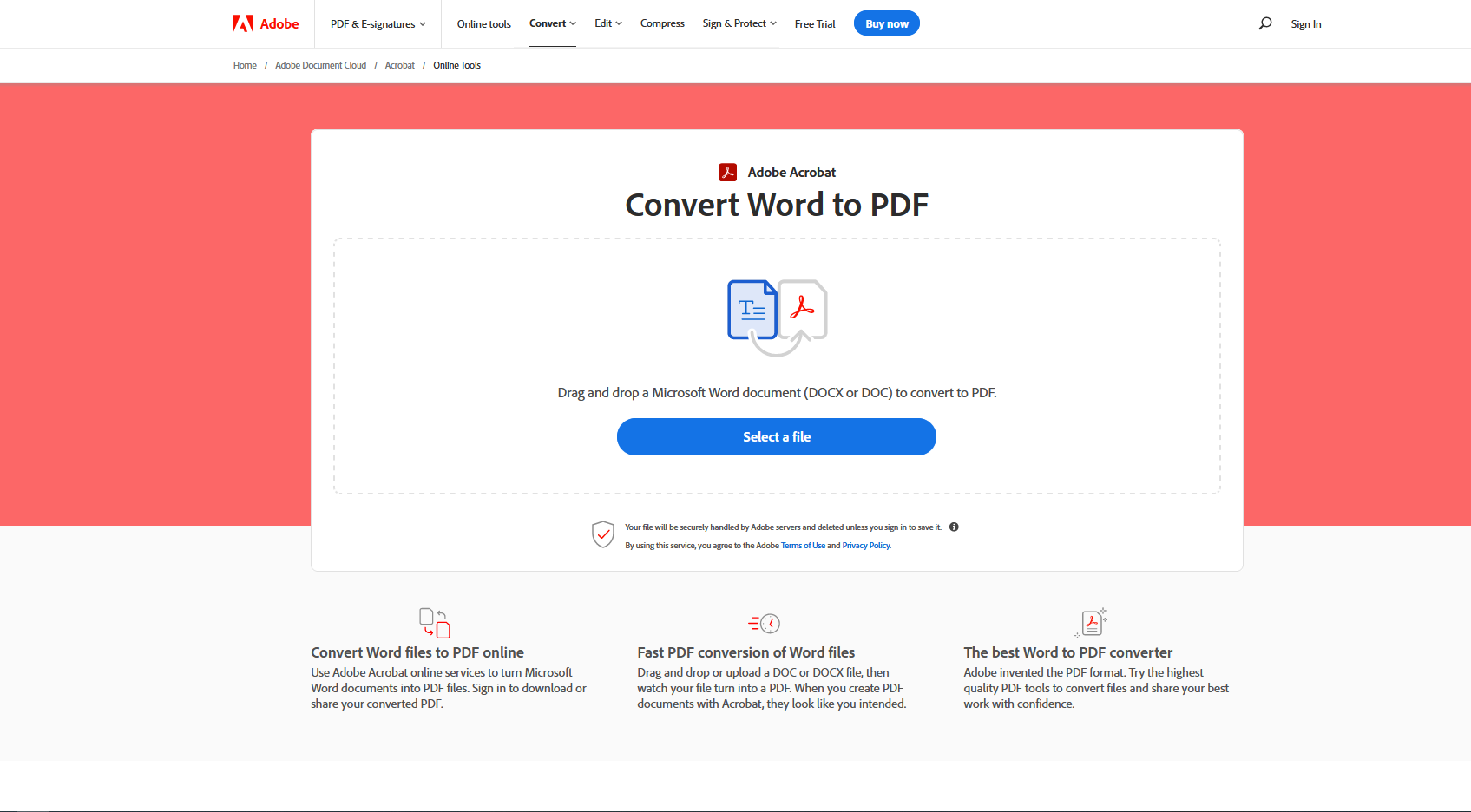
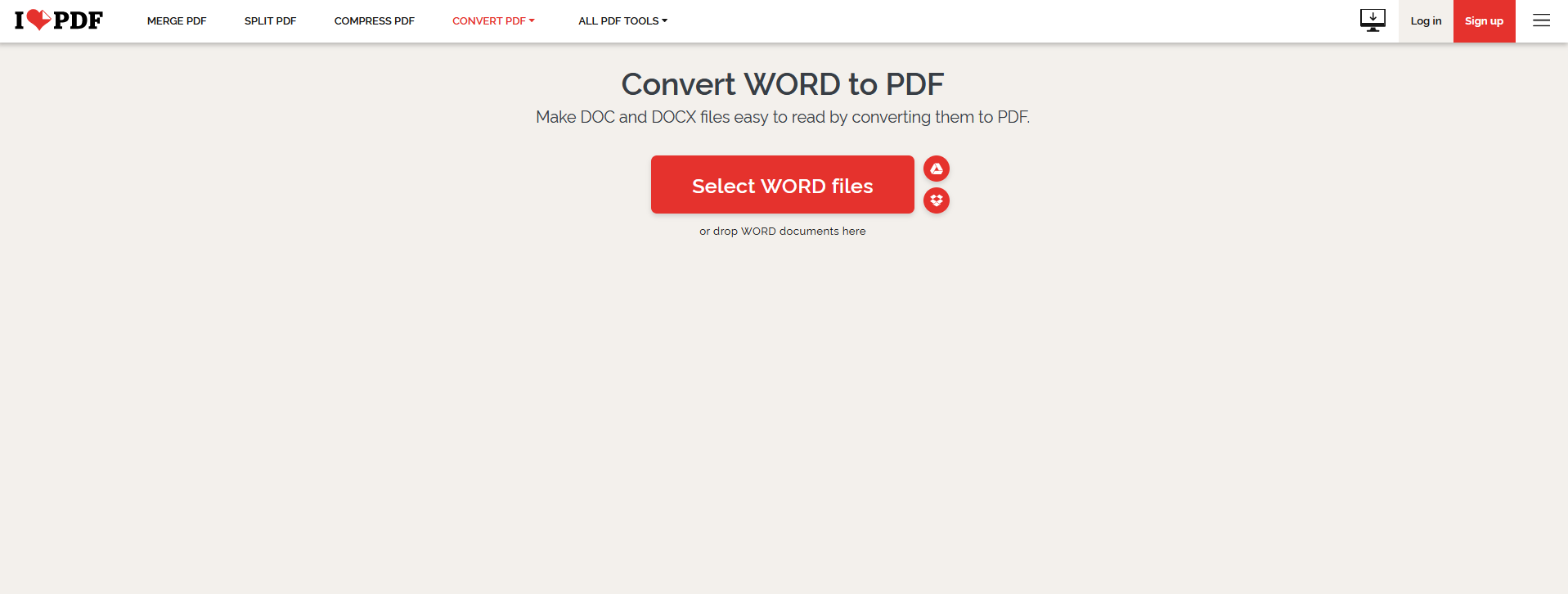
Note: When converting your documents into PDFs, make sure to save them somewhere accessible.
3. Once your have converted your documents into PDFs, navigate to the "Merge PDFs" tab on ilovePDF and the "Edit" tab on Adobe Acrobat.
4. You will be asked to select which PDFs you would like to merge. Either drag and drop the PDF versions of your documents into the web browser, or use the "Select Files" function to choose your documents.
5. Once you have added all necessary documents, you may be prompted to choose the order in which the pages appear.
6. Once you have determined the order, you will then be able to download the merged PDF.
For more information, please refer to the videos below on Converting and Merging PDF documents!
Was this article helpful?
That’s Great!
Thank you for your feedback
Sorry! We couldn't be helpful
Thank you for your feedback
Feedback sent
We appreciate your effort and will try to fix the article