1. Navigate to https://us06web.zoom.us/recording/management
2. Find and select the video you would like to remove and select it example below.
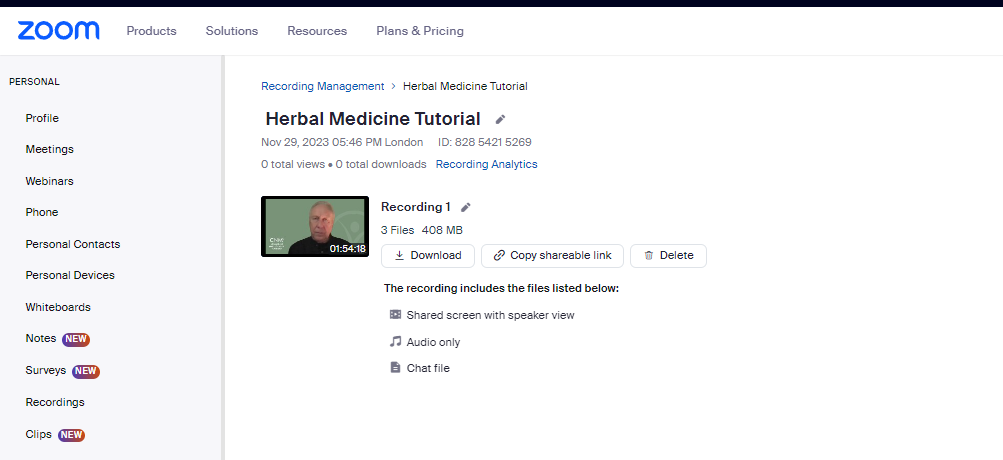
3. Click Download or Delete
4. Do this for all the videos in your Zoom account.
Was this article helpful?
That’s Great!
Thank you for your feedback
Sorry! We couldn't be helpful
Thank you for your feedback
Feedback sent
We appreciate your effort and will try to fix the article